
Open-source Chrome privacy extension
Traceveil makes browser fingerprinting less reliable.
Traceveil is a local Chrome extension that reduces browser fingerprint linkability, limits high-entropy data exposure, blocks common tracker channels, and strengthens browser privacy controls.
It does not try to make your browser invisible. It makes selected browser signals less stable, less revealing, and less useful for tracking while preserving normal website compatibility.

No account. No server profile. No telemetry.
Runs locally
Settings, matching, and processing stay in the browser.
Open source
The extension code and bundled rule data can be inspected, tested, and improved.
Honest limits
Traceveil reduces linkability without pretending to guarantee anonymity.
Lower entropy where extensions can actually reach
Modern tracking does not depend only on cookies. Websites can combine browser, hardware, graphics, language, screen, and network signals into a recognizable device profile. Traceveil focuses on the surfaces a Chrome extension can realistically influence.
What’s new in Traceveil 1.4
Traceveil 1.4 keeps the full protection stack from 1.3.2 and adds a new generation of GPU fingerprint defenses, stronger browser-persona consistency, and a redesigned control interface.
GPU identity protection
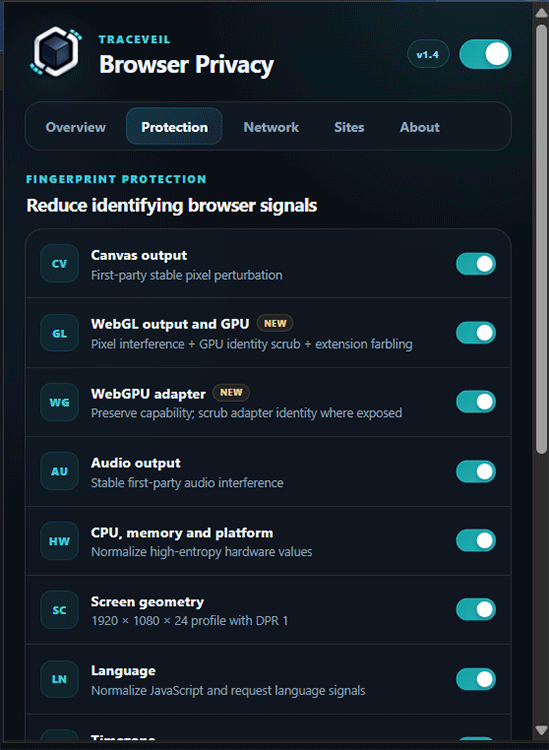
Traceveil now suppresses WEBGL_debug_renderer_info, preventing sites from directly reading the precise GPU vendor and model. WebGL remains functional, while identifying debug information is unavailable.
Site-scoped WebGL farbling
Traceveil adds a deterministic synthetic WebGL extension scoped to the first-party site. The value stays stable where websites expect stability but differs across unrelated sites, reducing its usefulness as a cross-site identifier.
WebGPU adapter protection
Where Chrome exposes WebGPU adapter identity information, Traceveil clears identifying fields such as vendor, architecture, device and description while preserving WebGPU capability.
More coherent platform protection
The Windows-oriented privacy profile now keeps navigator.platform, User-Agent Client Hints platform values and Strict-mode platform version aligned instead of exposing contradictory JavaScript signals.
New interface
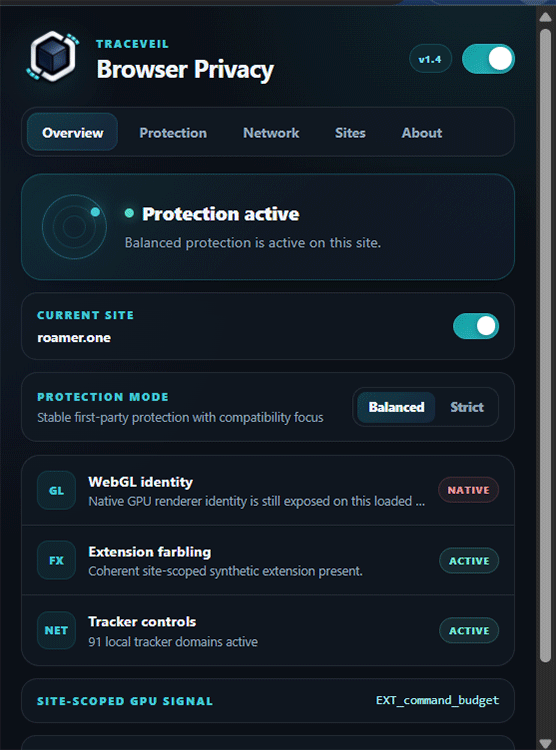
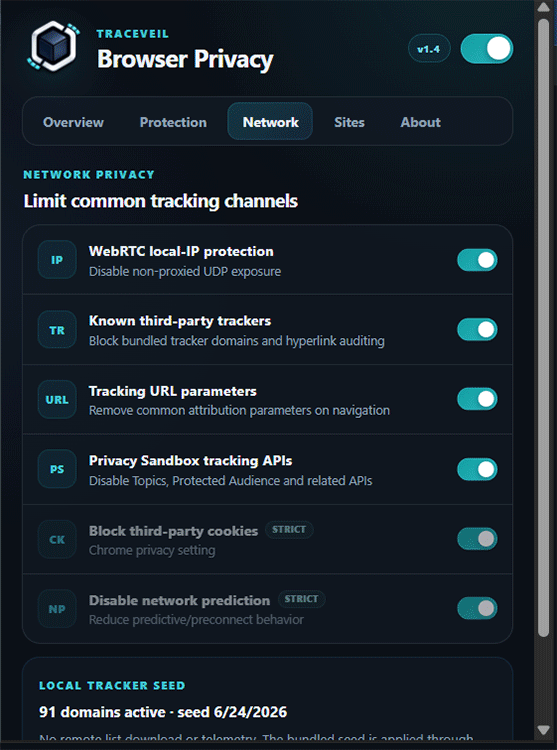
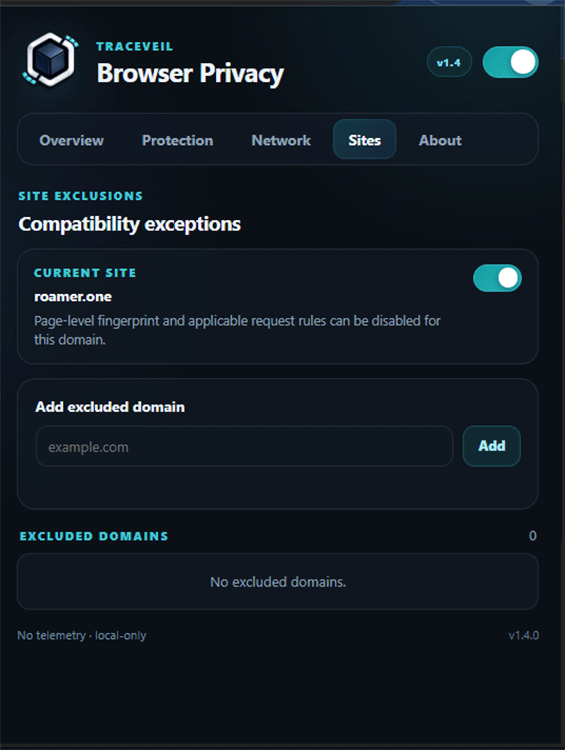
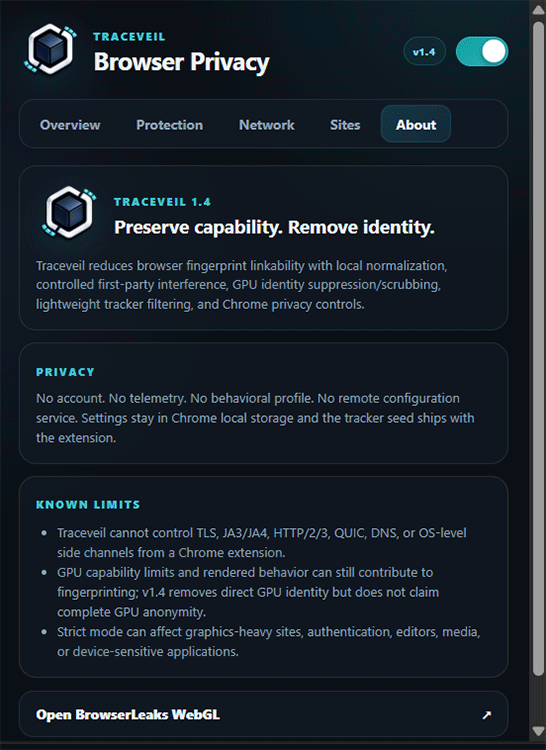
Every Traceveil control remains available, reorganized into Overview, Protection, Network, Sites and About views with live protection diagnostics.
What Traceveil is not
Traceveil is not a VPN, Tor replacement, anti-malware product, or anonymity system.
A Chrome extension cannot control every network or device-level signal. Traceveil focuses on what it can realistically improve: reducing browser fingerprint linkability and common tracking signals.
Fingerprint normalization
Traceveil standardizes or interferes with selected browser signals including language, timezone, screen profile, hardware profile, WebGL, WebGPU, canvas, and audio.
Network privacy controls
Traceveil disables or limits common browser-level tracking channels including WebRTC exposure, hyperlink auditing, prediction features, and Chrome Privacy Sandbox ad-measurement APIs.
Balanced and Strict modes
Balanced mode prioritizes normal browsing compatibility. Strict mode applies stronger interference, reduced client hints, browser setting changes, and additional privacy controls.
Tracker firewall
Traceveil blocks third-party analytics, advertising, session replay, attribution, and fingerprinting domains using Declarative Net Request rules.
Privacy without false promises.
Architecture
Traceveil runs in the browser. It does not create an account, send telemetry, or build a remote profile.
Built for local control.
No telemetry
No browsing data, identifiers, or behavioral profiles are sent to a Traceveil server.
Local processing
Settings, protection logic, and rule matching stay inside the browser.
Tracker intelligence
Blocking rules can refresh from public tracker data, with local fallback if updates fail.
Per-site control
Protection can be disabled for sites where compatibility matters.
Test done with Cover Your Tracks
| Metric | Without Traceveil | With Traceveil v1.4 | Result |
| HTTP Accept / language header | 11.17 bits / 1 in 2,307.87 | 1.52 bits / 1 in 2.88 | ~801× more common |
| Timezone name | America/Toronto, 6.23 bits / 1 in 75.3 | America/New_York, 3.18 bits / 1 in 9.07 | ~8.3× more common |
| Screen | 2752×1152×32, 11.80 bits / 1 in 3,554 | 1920×1080×24, 2.85 bits / 1 in 7.23 | ~492× more common |
| Canvas | Fixed hash, 10.56 bits / 1 in 1,512 | Randomized by first-party domain, 1.01 bits / 1 in 2.01 | ~752× more common |
| WebGL hash | Fixed hash, 14.12 bits / 1 in 17,770 | Randomized by first-party domain, 1.12 bits / 1 in 2.18 | ~8,151× more common |
| WebGL vendor & renderer | RTX 5070, 12.95 bits / 1 in 7,898 | None, 7.28 bits / 1 in 155.88 | ~51× more common |
| Audio | Fixed value, 2.92 bits / 1 in 7.59 | Randomized by first-party domain, 1.52 bits / 1 in 2.88 | ~2.6× more common |
| CPU cores | 24, 7.09 bits / 1 in 136.49 | 8, 2.09 bits / 1 in 4.26 | ~32× more common |
| Device memory | 32 GB, 3.88 bits / 1 in 14.76 | 8 GB, 2.71 bits / 1 in 6.54 | ~2.3× more common |
Load Traceveil from source.
Until packaged distribution is ready, Traceveil can be installed manually as an unpacked Chrome extension.
Steps
- Open chrome://extensions.
- Enable Developer mode.
- Click Load unpacked.
- Select the Traceveil extension folder.
- Reload any already-open pages.
Does Traceveil make me anonymous?
No. Traceveil reduces selected browser fingerprinting and tracking signals. It does not guarantee anonymity.
Does Traceveil collect data?
No. Traceveil has no telemetry system and no server-side user profile.
Can Traceveil break websites?
Sometimes. Strict mode can affect graphics tools, font-sensitive editors, authentication flows, maps, video calls, and device-detection flows. Use Balanced mode or disable protection for a specific site when needed.
Why not spoof everything?
Because inconsistent spoofing can make a browser more unique. Traceveil avoids claims and techniques that create more fingerprinting risk than they solve.